






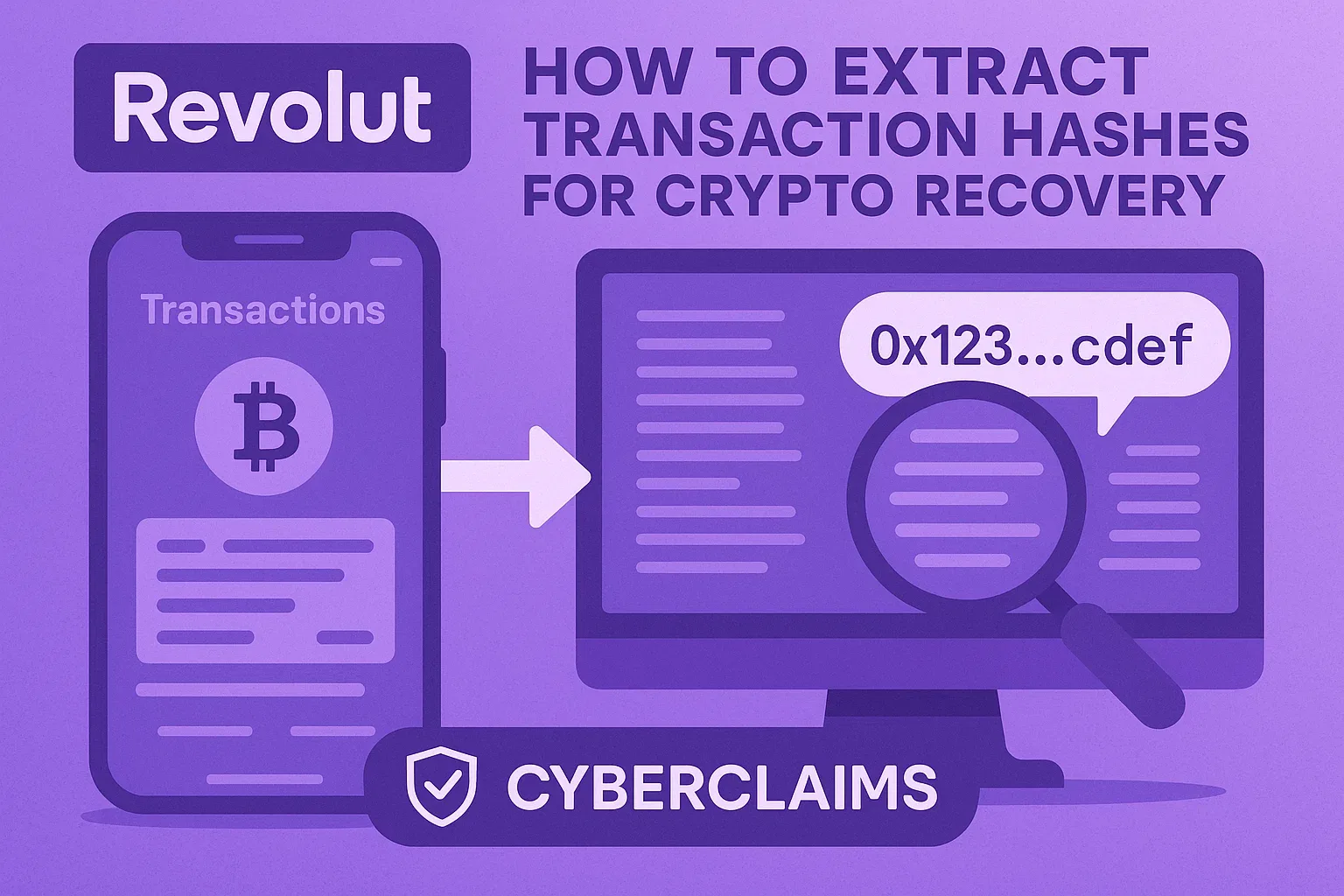
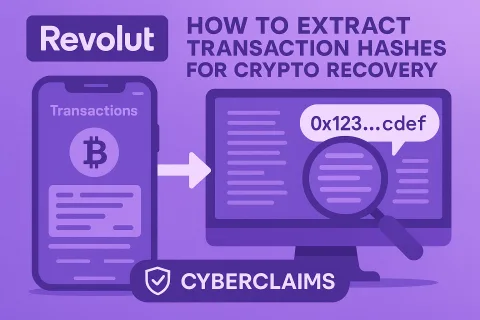
Mobile-only process to document blockchain evidence
📋 Step-by-Step Instructions
- Open Revolut App
- Update to latest version (App Store/Google Play)
- Enable screen lock
- Navigate to Crypto Section
- Tap "Crypto" in bottom menu
- Select specific cryptocurrency (e.g., ETH)
- Identify Target Transactions
- Scroll to suspicious transfers
- Tap each transaction individually
- Extract Blockchain Hash
- In transaction details:
- Locate "Transaction hash" or "Blockchain hash"
- Long-press to copy hash
- In transaction details:
- Verify on Blockchain Explorer
- Tap "View my transaction"
- Screenshot full explorer page (Etherscan for ETH)
- Compile Evidence Package:
- Create document with:
- Transaction hashes
- Screenshots
- Revolut reference numbers
- Create document with:
🔑 Critical Forensic Value
- Hashes enable blockchain tracing
- Documents Revolut's internal reference IDs
- Shows gas fees (indicates hacker urgency)
Warning: Revolut deletes crypto history after 5 years
🚨 Revolut Fraud Emergency Response
- Freeze crypto account immediately
- Extract ALL transaction hashes
- Contact CyberClaims:
- 📞 EU Hotline: +44 20 3100 4660
- 📧 Send evidence: contact@cyberclaims.net (Subject: REVOLUT URGENT)
- ⚡ Start Revolut Recovery